01
See liquidity as it thins.
Read whether depth looks healthy, thin, or unstable before you treat price as durable.
The context engine beneath price. Built for traders and agents.
Beorx Cortex reveals the market layer beneath price in real time: liquidity, regime shifts, and cross-venue divergence for traders in Terminal and agents on OpenClaw.
Price is the last signal to update. In a market where algorithms trade algorithms, what happens beneath the price is what decides the trade. Cortex reads that layer.
Terminal keeps Cortex tied to the market you are actually inspecting, so the workflow stays read-only, chart-aware, and grounded in current market context.
Open the Beorx Terminal workspace and choose the market context you want to inspect.
Use Cortex to understand liquidity, regime shifts, and cross-venue divergence without reducing the market to price alone.
Open Cockpit inside Terminal for a denser situational read without leaving the same read-only workflow.
Read whether depth looks healthy, thin, or unstable before you treat price as durable.
Read whether the market is trending, transitioning, or trapped in noise instead of relying on one move.
Read when venues are aligned and when they begin to separate enough to matter.
Cortex is the engine beneath price. Terminal is the primary web workspace for using it, and Cockpit is the denser mode inside that same workflow. OpenClaw remains the stateless agent-builder path into the same engine below.
Cockpit is the higher-density market view inside Terminal, designed for faster scanning of liquidity, venue behavior, and live market state without leaving the same read-only workflow.
DENSE MARKET AWARENESS INSIDE TERMINAL.
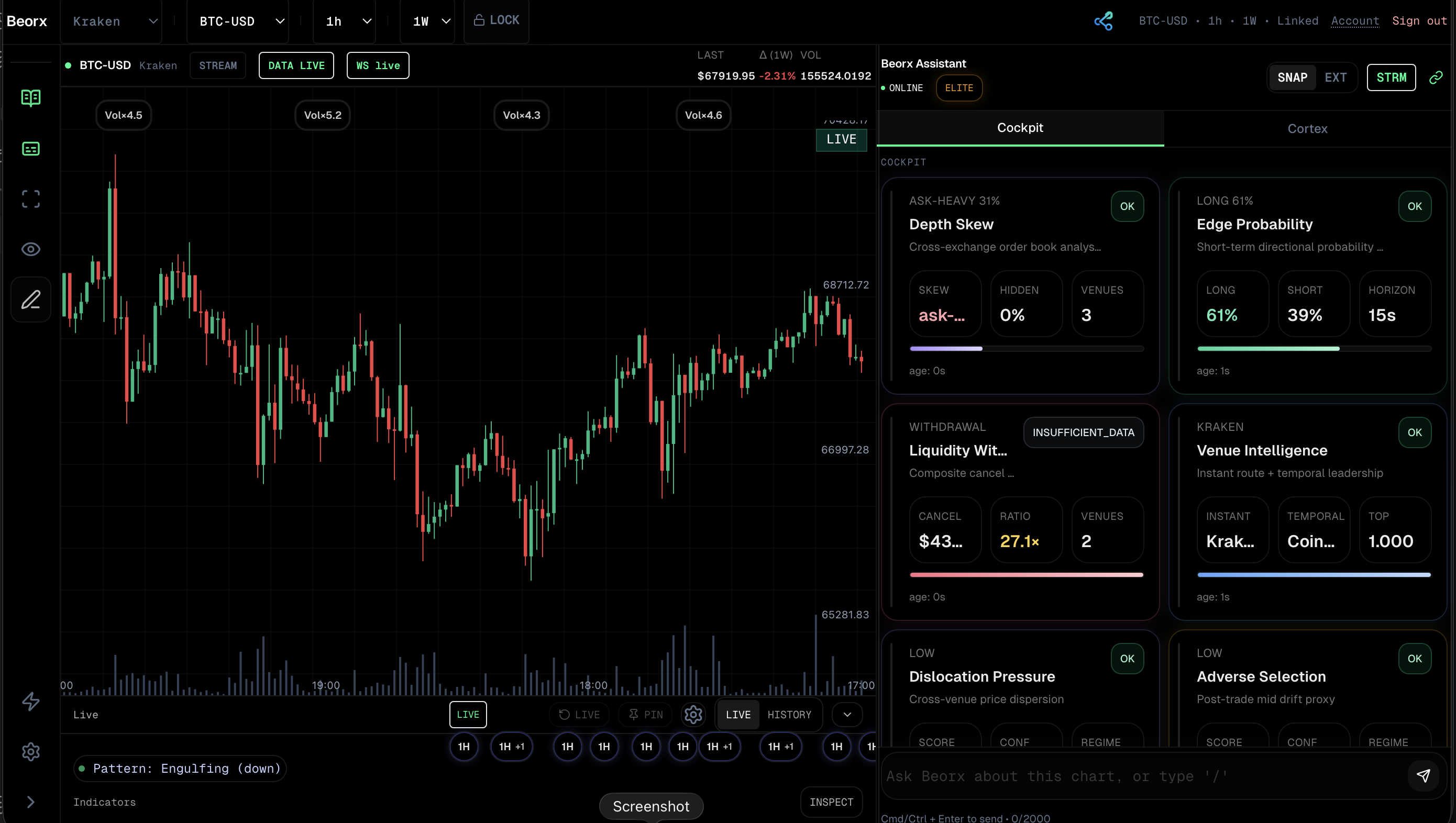
Beorx Cortex reveals liquidity, regime shifts, and cross-venue divergence in real time so traders and agents can read market structure with more than price alone.
THE LAYER BENEATH PRICE.
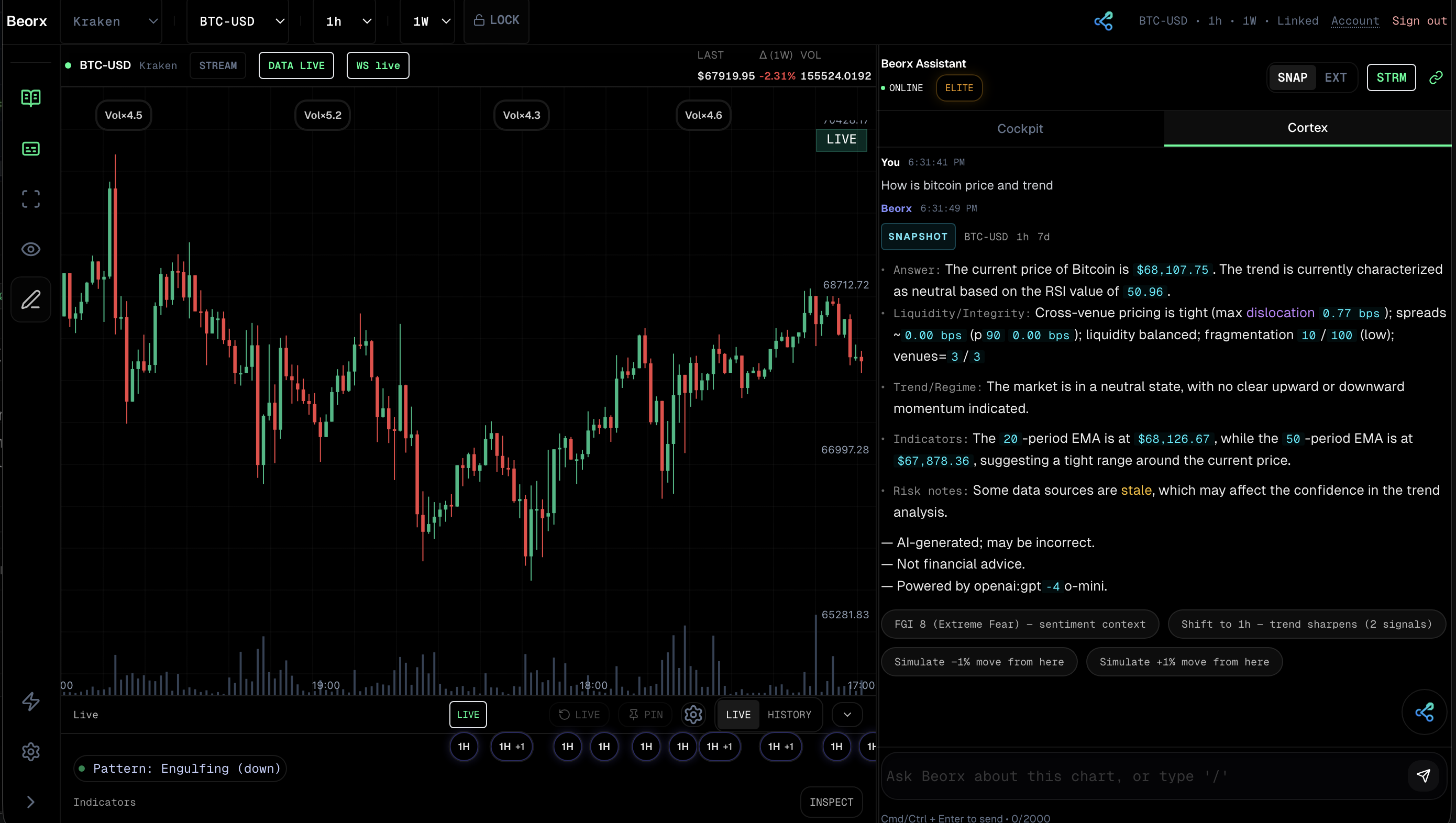
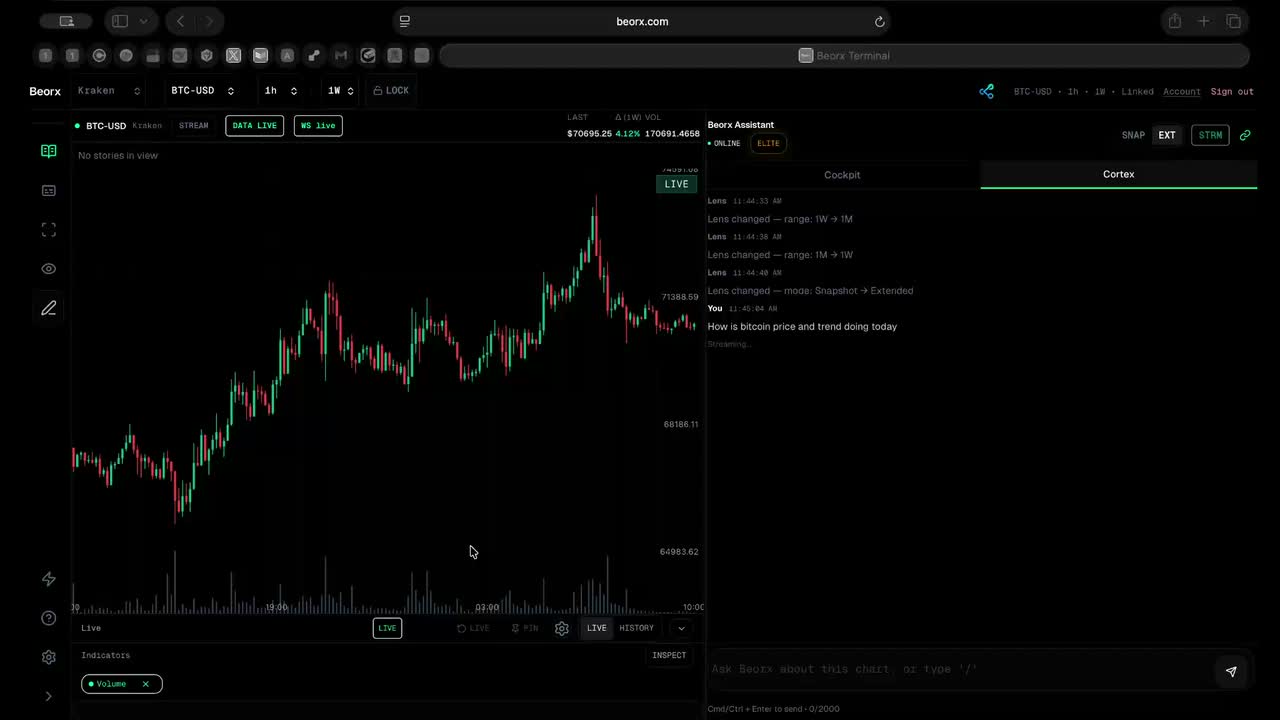
Beorx Terminal is the primary web workspace for using Cortex, with Cockpit available as the denser mode when you need faster market awareness without leaving the same environment.
TERMINAL PLUS COCKPIT. ONE WORKFLOW.
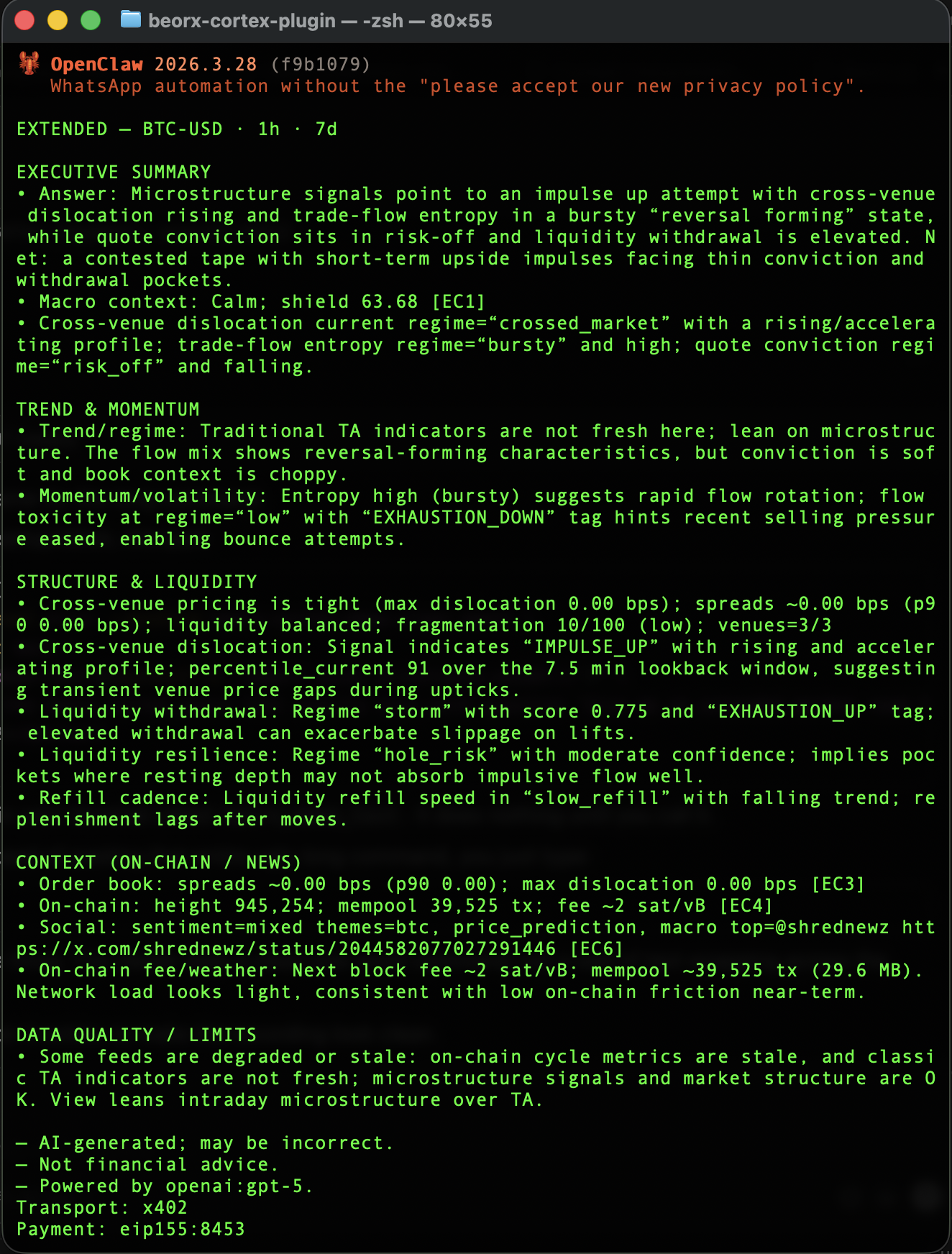
Read-only, stateless market context from Beorx Cortex, delivered as text-first terminal output with x402 pay-per-request access. No Beorx login required.
OpenClaw is the terminal-native agent path into Cortex. No execution. No custody.
Beorx is a read-only context engine for market structure. Terminal is the human workspace, OpenClaw is the stateless agent-builder path, and neither surface executes trades or holds custody.
This section is public by design. It exists to remove ambiguity about what Beorx does, what it does not do, and how the product should be understood.
Beorx builds context-aware market intelligence for traders and agents, centered on the layer beneath price.
Beorx Cortex is the context engine beneath price. It reveals liquidity, regime shifts, and cross-venue divergence in real time.
Beorx Terminal is the primary web workspace for using Cortex.
Cockpit is the denser market-awareness mode inside Terminal, not a separate top-level product.
Beorx Cortex on OpenClaw is the stateless agent-builder path into the same Cortex engine used in Terminal.
It means the market structure that price alone does not fully show, including liquidity conditions, regime shifts, and divergence across venues.
No. Beorx is read-only and does not place, route, or execute trades.
No. Beorx is non-custodial, does not hold user assets, and the Terminal workflow does not require exchange API keys.
No. OpenClaw is designed as a stateless external surface and does not require Beorx account login.
Beorx is built for traders, analysts, and agent builders who need market context beyond price alone.
No. Beorx Terminal uses account login. A wallet is not required for the web workspace.
No. Beorx provides analytics and market context, not personalized financial advice.
Launch Terminal to read the layer beneath price in a read-only, non-custodial workspace.